
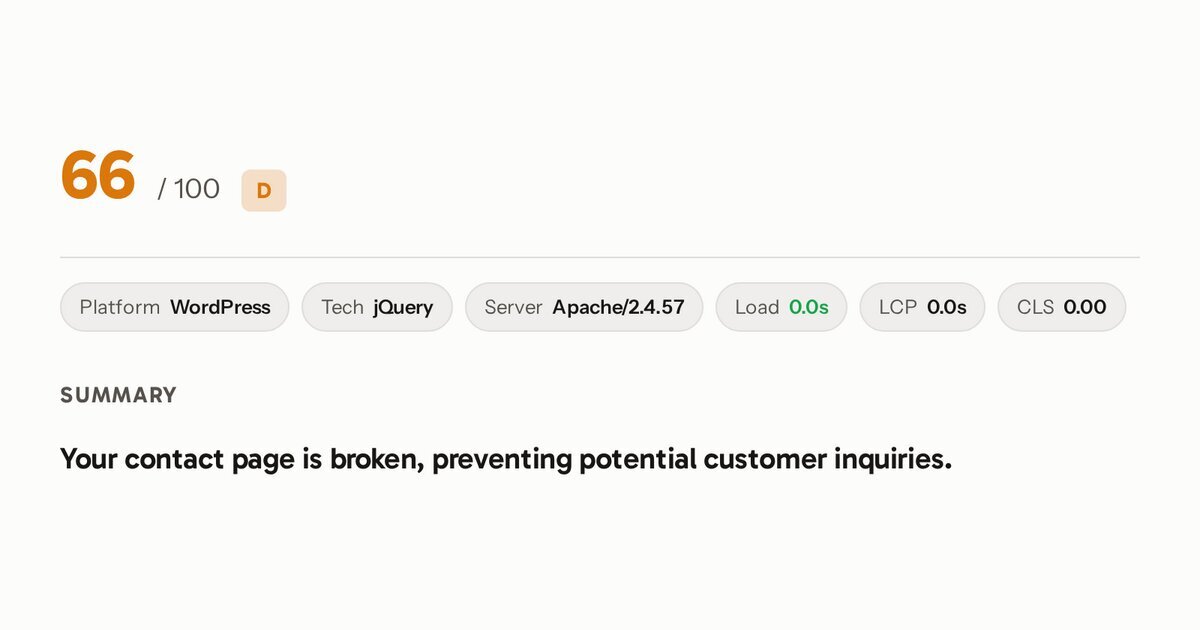
Before I released Auditor 0.11.0, I scanned 201 local business and nonprofit sites. Of the 198 that responded, 28 ran an out-of-date version of WordPress, a plugin or a theme with a published security flaw rated serious. If you run a WordPress site, you can find out for free whether yours has the same problem.
Auditor is my free website audit. It has been public on GitHub since version 0.10.0, but I’ve never introduced it here. Version 0.11.0 adds the security check I’d most want run on any WordPress site, so this is the introduction.
What it is
Enter a site’s address at audit.markrussell.io and Auditor scans it in a real browser for problems a visitor or an attacker can see from outside. Then it writes a plain-language report, with the most important fixes first. It checks:
- WordPress security, new in 0.11.0 (below).
- Visitor-facing failures: broken images, pages that overflow on a phone, tap targets too small to use, redirect and 404 errors, dead links, and contact, booking or donation paths that don’t work.
- AI visibility: whether AI crawlers may reach the site, whether its structured data is valid, and whether it has an
llms.txt.
Every finding is decided in code. A language model only writes the report’s wording from findings that are already decided, so it can’t invent a problem.
New in 0.11.0: WordPress security
- Known holes, matched to real versions. The scan reads the core, plugin and theme versions from the page and checks them against the Wordfence Intelligence vulnerability feed. Each outdated component is one finding, naming its worst hole and the version that fixes all of them.
- Confirmed before it’s reported. The scan checks each version against the component’s own
readme.txtorstyle.css, as the changelog describes. A version it can’t confirm is still reported, at medium confidence. - Only serious holes are headlines: Critical or High, or exploitable without a login.
- Owner-only checks. With your consent, it also checks five WordPress files and listings that shouldn’t be public, and tests your forms without ever sending a submission.
I checked each of those serious flaws by hand on the live site. A few times Auditor had read the wrong version number, for example taking the version of jQuery, a script library, as the WordPress version. Those would have been false warnings, and they’re fixed.
Limits
- Form checks are skipped on Wix, Squarespace, Shopify and Weebly, because those platforms own their forms. Every other check runs.
- The owner-only checks run only with the site owner’s consent.